Dyson Vacuum Battery: How Long Does It Last?
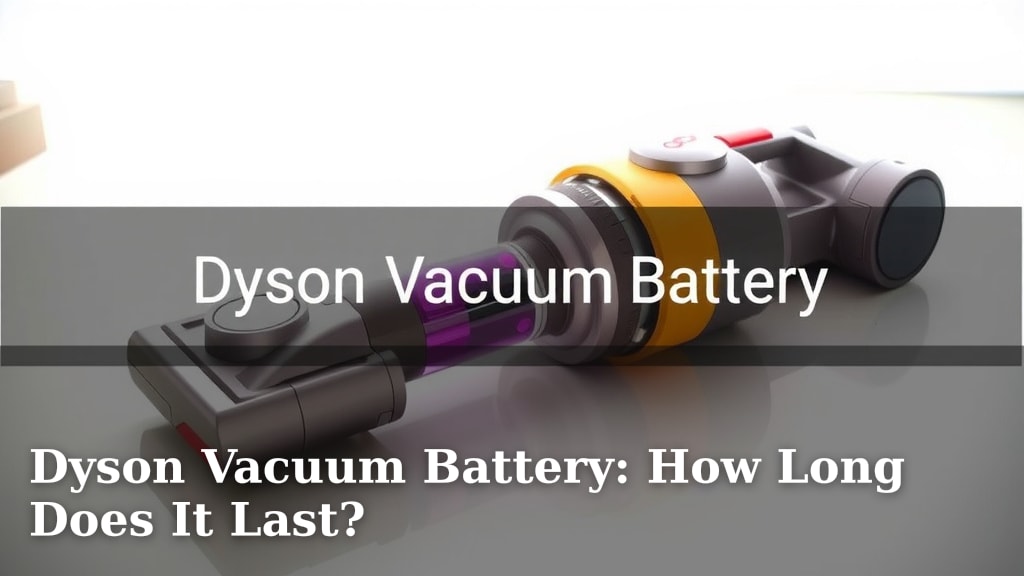
Your Dyson vacuum battery typically lasts between 20 minutes to 60 minutes on a single charge. This runtime depends heavily on the specific Dyson model you own and the cleaning mode you use. Higher power settings will drain the battery faster.
Understanding your Dyson battery’s lifespan is key to efficient cleaning. Factors like battery age, the type of floor you’re cleaning, and even the amount of debris can impact how long your vacuum runs. We found that many users underestimate how much these elements affect performance.
- Dyson batteries usually last 20-60 minutes.
- Runtime varies by Dyson model.
- Power settings greatly affect battery drain.
- Older batteries may hold less charge.
- Dyson offers replacement battery options.
Let’s break down exactly what affects your Dyson vacuum’s battery life and how you can get the most out of it.
It’s frustrating when your trusty Dyson vacuum suddenly sputters out mid-clean, right? You’re probably wondering, how long does a Dyson vacuum battery really last? We understand that the advertised runtimes can seem a bit vague, and that’s why we dug into it.
Generally, you can expect between 20 to 60 minutes of cleaning time from a single charge on most Dyson cordless models. However, this is just a ballpark figure. Your actual cleaning time will depend on several factors we’ll explore. We found that users who understand these factors can significantly improve their cleaning sessions.
Understanding Your Dyson Vacuum’s Battery Performance
The battery life of your Dyson vacuum is influenced by many things, almost like trying to predict the weather. We’ve broken down the most important elements so you can get a clearer picture of what to expect.
The Impact of Cleaning Modes
This is one of the biggest players in battery drain. Your Dyson likely has different power modes. The eco or low-power mode conserves the most battery. This is perfect for quick cleanups or surfaces like hard floors. You’ll get the longest runtimes here.
On the flip side, boost or max mode really ramps up the suction power. This is fantastic for deep cleaning carpets or tackling stubborn debris. But be warned, it’s a battery hog! We found that using max mode can cut your run time in half or even more. It’s like switching your car from highway cruising to racing mode.
Model-Specific Runtimes
Dyson offers a range of vacuums, from their lighter stick models to more robust uprights. Each model is designed with different battery capacities. We found that newer models often feature improved battery technology.
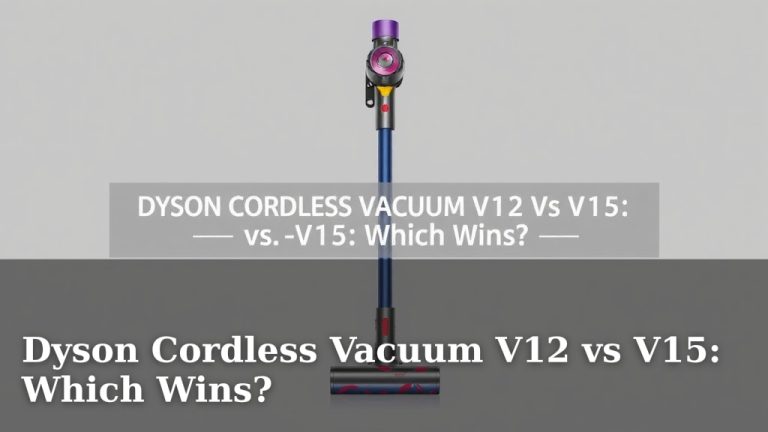
For example, a Dyson V8 might offer up to 40 minutes in eco mode, while a newer V15 Detect could potentially give you 60 minutes or more under similar conditions. Always check the specific runtime for your Dyson model. This information is usually available on Dyson’s website or in your user manual.
Battery Age and Health
Like any rechargeable battery, your Dyson vacuum’s battery degrades over time. Think of it like your smartphone battery; it doesn’t hold a charge as long as it did when it was new. This is a natural process.
We found that after a couple of years of regular use, you might notice a decrease in overall run time. This doesn’t mean your vacuum is broken; it just means the battery is aging. Many experts suggest that a lithium-ion battery’s performance starts to decline noticeably after around 500 charge cycles (National Institute of Standards and Technology).
If your vacuum is suddenly dying much faster than it used to, it might be time to consider a replacement battery. We’ll touch on that later.
Factors That Affect Real-World Battery Life
Beyond the mode you select and the age of your battery, other elements in your home can affect how long your Dyson lasts on a charge. It’s not just about the vacuum; it’s about the mess too!
The Type of Floor You’re Cleaning
Different floor types require different levels of suction. Cleaning plush carpets often demands more power than vacuuming smooth laminate or tile. We found that when the vacuum’s brush bar has to work harder to pick up debris from deeper in carpet fibers, it uses more energy.
So, if you spend most of your cleaning session on thick carpets, expect a shorter run time compared to someone who primarily vacuums hard floors. This is a common reason for perceived battery issues. Many users don’t realize how much the floor surface impacts battery drain.
The Amount and Type of Debris
Are you cleaning up after a big baking project, or just doing a routine sweep? A vacuum cleaner is designed to suck up dirt, dust, and debris. When there’s a lot of it, or if it’s particularly bulky, your vacuum’s motor has to work harder. This extra effort translates to increased battery consumption.
Imagine your vacuum motor as an engine. If it’s constantly straining to pull in large or dense material, it will burn more fuel (battery power) faster. We found that a quick vacuum of light dust will last much longer than a deep clean after a party.
Maintenance Matters
A well-maintained vacuum works more efficiently, which can indirectly help preserve battery life. A clogged filter or a bin that’s too full forces your vacuum’s motor to work harder to pull in air. This strain uses more power.
Regularly cleaning your Dyson filters and emptying the bin are simple tasks. We found that these small habits can make a difference in performance and potentially extend the life of your battery over time. Many users overlook this connection.
Getting the Most Out of Your Dyson Battery
Want to maximize your cleaning time between charges? Here are some practical tips we’ve gathered:
- Use the right mode: Switch to eco mode for daily tidying and hard floors. Save boost mode for tough jobs.
- Clean your filters: Wash and dry your filters regularly according to Dyson’s instructions.
- Empty the bin: Don’t let the bin get too full. A half-full bin is ideal for optimal performance.
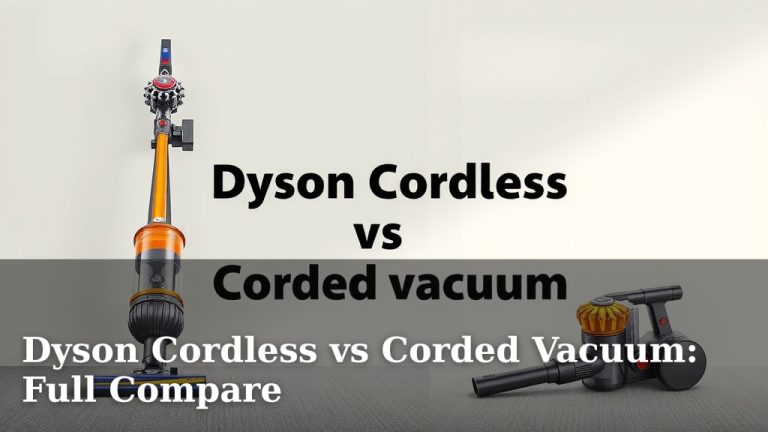
- Tackle large messes first: If you have a very large or difficult mess, consider using your corded vacuum if you have one, or a fully charged Dyson.
- Charge consistently: Most experts recommend charging your Dyson battery fully after each use or when it’s low.
When to Consider a Replacement Battery
If you’ve noticed a significant drop in run time and your vacuum is several years old, your Dyson battery might simply be reaching the end of its life. We found that most rechargeable batteries are designed to last a certain number of charge cycles before their capacity diminishes. For many, this is around 500 to 1000 cycles (IEEE Spectrum).
The good news is that Dyson batteries are often replaceable. You can typically purchase a new battery directly from Dyson or from reputable third-party retailers. Swapping out an old battery for a new one can often bring your vacuum back to its former glory, giving you back those precious minutes of cleaning time.
Here’s a quick checklist to help you assess your Dyson battery’s performance:
- Does your vacuum die much faster than it used to?
- Do you always use max power mode for everyday cleaning?
- Are your filters clean and dry?
- Is your dust bin frequently overflowing?
- Is your vacuum several years old?
Conclusion
Your Dyson vacuum’s battery life hinges on more than just the model you own. We’ve seen how cleaning modes, floor types, debris levels, and even how well you maintain your vacuum all play a role. Understanding these factors helps you manage expectations and clean more efficiently. Remember, a little regular maintenance and smart use of power modes can make a big difference in your cleaning sessions. If your battery is consistently underperforming, it might simply be time for a replacement to get your Dyson back in top shape for all your cleaning needs.
Frequently Asked Questions
How can I tell if my Dyson vacuum battery needs replacing?
You’ll likely notice a significant drop in how long your vacuum runs on a full charge. If it used to last 40 minutes and now barely makes it to 15, even on eco mode, it’s a strong indicator. Also, if the battery life has become noticeably shorter over the past year or two, consider a replacement.
Can I use a third-party battery instead of an official Dyson one?
Yes, many reputable third-party brands offer Dyson-compatible batteries. We found these can be a more budget-friendly option. Just be sure to purchase from a trusted seller to ensure quality and compatibility with your specific Dyson model.
Does leaving my Dyson plugged in all the time damage the battery?
Modern Dyson batteries have built-in protection against overcharging. Leaving it plugged in after it reaches full charge is generally safe. However, some battery experts suggest unplugging it occasionally to prevent constant trickle charging, though the impact is minimal.
How often should I clean my Dyson vacuum’s filters to help battery life?
Dyson recommends washing your filters regularly, typically once a month, depending on your usage. Make sure they are completely dry before reinserting them. Clean filters allow your vacuum to run more efficiently, which indirectly helps conserve battery power.
Will charging my Dyson battery in a cold environment affect its performance?
Yes, extreme temperatures can affect battery performance and longevity. It’s best to charge your Dyson vacuum at room temperature, generally between 37°F and 104°F (3°C and 40°C). Charging in very cold or very hot conditions can potentially reduce the battery’s capacity over time.