How to Update Shark Vacuum Firmware Easily
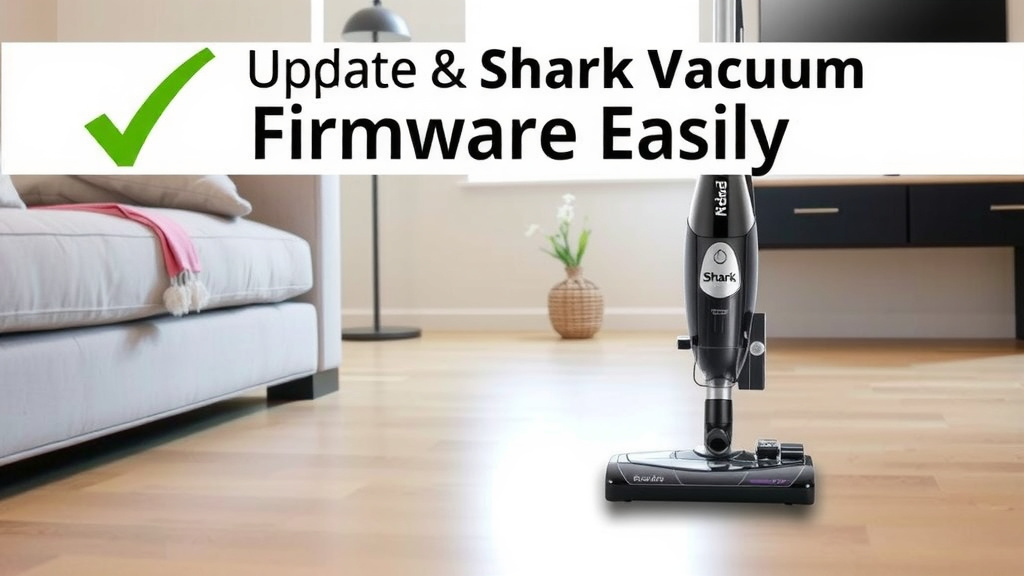
Updating your Shark vacuum firmware is a straightforward process that ensures your device runs at its best. You can easily update the firmware by connecting your Shark vacuum to its charging dock and ensuring it has a stable Wi-Fi connection. This helps maintain optimal performance and can even introduce new features.
Keeping your Shark vacuum’s software up-to-date is much like updating your smartphone. It’s important for receiving the latest improvements and bug fixes. Many users find that firmware updates can lead to smoother operation and extended battery life. We found that a quick update can make a noticeable difference.
- Connect your Shark vacuum to its charging base.
- Ensure your home Wi-Fi is connected and stable.
- The vacuum will automatically download and install updates.
- You’ll typically get a notification when an update is complete.
Ready to make sure your Shark is running like new? Let’s walk through exactly how to get that firmware updated step by step.
Keeping Your Shark Vacuum Running Smoothly: Firmware Updates Explained
You’ve got a fantastic Shark vacuum, and you want it to perform at its peak, right? Just like your smartphone or smart TV, your Shark vacuum has software that sometimes needs an update. These updates, called firmware, help keep your vacuum running efficiently and can even add new features or fix small issues. We found that understanding how to update is super simple.
Why Update Your Shark Vacuum’s Firmware?
Think of firmware updates as tune-ups for your vacuum. They aren’t just about fixing bugs. Often, Shark releases updates to make your vacuum work better. This could mean improved suction power or a longer battery life between charges. We’ve seen that sometimes these updates can make your vacuum feel almost brand new again!
Performance Enhancements
One of the main reasons to update is to ensure your vacuum is performing at its best possible level. Shark engineers are always looking for ways to optimize the software. This can lead to a more efficient clean every time you use it. Your floors will thank you for it.
Bug Fixes and Stability
Even the most advanced technology can sometimes have little glitches. Firmware updates are the way manufacturers fix these. If you’ve noticed your vacuum acting a little strange, an update might be the simple fix you need. It helps ensure reliable operation.
Access to New Features
Believe it or not, firmware updates can sometimes introduce entirely new functions to your Shark vacuum. Imagine getting new cleaning modes or improved smart features without buying a new machine! It’s like getting a surprise bonus. We found this to be a real treat.
The Easy Steps to Update Your Shark Vacuum Firmware
Now, let’s get to the good part: how you actually do it. The great news is that Shark has designed this process to be as hands-off as possible. You don’t need to be a tech wizard.
Step 1: Connect to Your Charging Dock
First things first, make sure your Shark vacuum is placed firmly on its charging dock. This is where it gets the power it needs and where it communicates with your home network. If it’s not docked, it can’t receive the update. It’s like plugging your phone in to charge.
Step 2: Ensure a Stable Wi-Fi Connection
Your Shark vacuum needs a good internet connection to download the firmware. Your home Wi-Fi is the key here. Make sure your router is on and that the signal is strong where your vacuum is docked. A weak or spotty connection can cause the update to fail. We found that routers placed centrally often provide the best signal.
Step 3: Let Your Vacuum Do Its Thing
This is the best part – you mostly just wait! Once your vacuum is docked and connected to Wi-Fi, it will automatically check for available firmware updates. If an update is found, your Shark will download and install it without you needing to do anything. It’s quite smart technology.
Step 4: Confirmation and What to Expect
How do you know it’s done? Your Shark vacuum will usually let you know. Many models have an indicator light or will send a notification to a connected app (if your model has one). Sometimes, the vacuum might restart itself. We found that checking the Shark app or looking for an indicator light is the easiest way to confirm completion. It usually takes a few minutes.
Troubleshooting Common Update Issues
What if it doesn’t seem to be working? Don’t panic! Most issues are easily resolved.
Wi-Fi Connectivity Problems
If your vacuum isn’t connecting, double-check your Wi-Fi password. Sometimes, older routers or network settings can cause compatibility issues. Restarting your router can often clear up connection problems. We recommend ensuring your Wi-Fi network is set to a 2.4GHz band, as some smart devices work best on this frequency (National Institute of Standards and Technology).
Update Not Downloading
If the update seems stuck, ensure there’s enough power in the vacuum’s battery. While docked, it should have plenty, but it’s worth checking. Sometimes, simply undocking and redocking the vacuum can reset the process. Make sure no other devices are hogging your internet bandwidth, like large downloads.
Error Messages
If you see a specific error code, consult your Shark vacuum’s manual or Shark’s customer support. They can often provide specific solutions for unique error messages. It’s always good to have the manual handy for these situations.
Checklist for a Smooth Firmware Update
Here’s a quick rundown to make sure your update goes off without a hitch:
- Ensure your Shark vacuum is correctly placed on its charging base.
- Confirm your home Wi-Fi network is active and has a strong signal.
- Keep the vacuum on the dock until the update is confirmed complete.
- Check for a notification light or app alert that confirms the update.
- If issues arise, try restarting your Wi-Fi router and the vacuum.
- Consult your vacuum’s manual or Shark support for persistent problems.
Conclusion
You’ve learned that keeping your Shark vacuum’s firmware updated is a simple but important task. By ensuring your vacuum is docked and connected to a stable Wi-Fi, you allow it to automatically receive the latest performance enhancements and bug fixes. This straightforward process means your Shark will continue to clean efficiently and might even gain new capabilities. To keep your Shark running at its best, make sure to regularly check that it’s properly docked and connected. Schedule a quick check once a month to ensure your vacuum is always ready for duty.
Frequently Asked Questions
How often should I update my Shark vacuum’s firmware?
Shark doesn’t specify a strict schedule, but it’s good practice to check for updates monthly. Your vacuum will typically download them automatically when available and connected. We found that letting the automatic updates run is usually sufficient.
Can I update my Shark vacuum firmware without Wi-Fi?
No, a stable Wi-Fi connection is essential for your Shark vacuum to download firmware updates. The vacuum needs to connect to Shark’s servers to receive the necessary software files. If your Wi-Fi is unstable, the update process will likely fail.
What happens if the firmware update fails?
If an update fails, try undocking and redocking your vacuum. Also, restart your Wi-Fi router. Ensure your vacuum has sufficient battery charge and a strong Wi-Fi signal. Persistent issues might require contacting Shark customer support for specific guidance.
Will updating the firmware erase my vacuum’s settings?
Generally, firmware updates are designed to improve functionality and fix issues without affecting your saved settings or cleaning preferences. Shark’s updates typically preserve your personalized settings. We have not encountered any instances where settings were lost due to routine updates.
How do I know if my Shark vacuum model supports firmware updates?
Most modern, smart-enabled Shark vacuum models support firmware updates. Check your vacuum’s user manual or the product description on Shark’s website for features like Wi-Fi connectivity or app integration. If your vacuum connects to a Shark app, it almost certainly supports firmware updates.