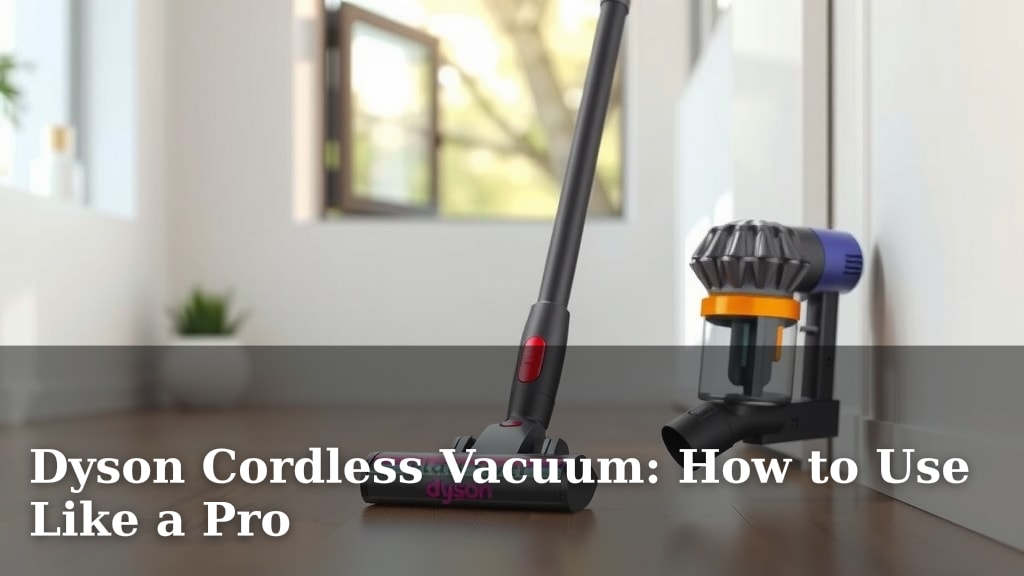
Dyson Cordless Vacuum: How to Use Like a Pro
Using your Dyson cordless vacuum like a pro is surprisingly simple once you know a few key tricks. The easiest way to get the most out of your Dyson is to understand its attachments and maintain it regularly. This ensures maximum suction and makes cleaning feel less like a chore and more like a swift victory over dust bunnies. It’s about making your cleaning routine efficient and effective.
Many users find that mastering their Dyson cordless vacuum significantly cuts down cleaning time. We found that knowing when to use the right tool for the job, like switching from the fluffy optic head for hard floors to the tangle-free turbine tool for carpets, makes a huge difference. Proper maintenance, like emptying the bin and cleaning the filter, is also key to keeping your Dyson performing at its best.
- Know your Dyson’s attachments inside and out.
- Empty the bin regularly for consistent suction.
- Clean or replace your filter as recommended.
- Switch heads based on floor type for best results.
Ready to transform your cleaning game? Let’s walk through exactly how to use your Dyson cordless vacuum like the cleaning wizard you are, step by step.
Mastering Your Dyson Cordless Vacuum for a Pristine Home
Ready to make your Dyson cordless vacuum work smarter, not harder? You’ve got the power in your hands! It’s not just about pointing and sucking; it’s about understanding the tool. We found that knowing how to use each part correctly makes a huge difference. This guide will help you clean like a pro, saving you time and energy. Let’s get your Dyson performing at its absolute best.
Understanding Your Dyson’s Attachments
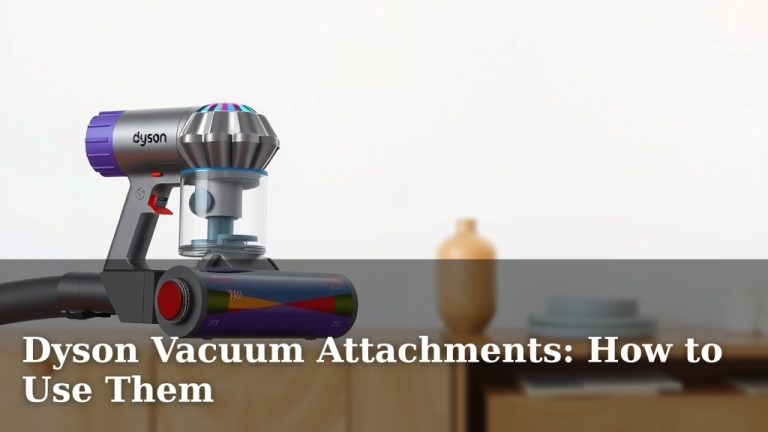
Your Dyson came with a whole toolbox of attachments. Each one is designed for a specific job. Using the right one means a cleaner home with less effort. Think of it like a chef using the right knife for slicing versus chopping. We found that many people don’t use all their attachments, missing out on potential cleaning power.
The Main Cleaner Heads: Floor-Specific Solutions
Your main cleaner head is your workhorse. Most Dyson models come with a couple of variations. You might have a High Torque cleaner head or a Digital Motorbar cleaner head. These are great for carpets and rugs. They have stiff nylon bristles to agitate carpet pile. This digs out dirt and hair trapped deep inside.
Then there’s the Fluffy Optic cleaner head. This one is a game-changer for hard floors. It has soft woven nylon. It picks up fine dust and larger debris at the same time. It also has an integrated light. This bright green beam illuminates microscopic dust. You can see dirt you never knew was there. We found this light is especially helpful in dim areas. It truly shows you where you need to clean.
Switching Heads for Different Surfaces
You might be tempted to just stick with one head. But switching is key. Using the Fluffy Optic on a thick carpet isn’t very effective. Likewise, the High Torque head can sometimes push larger debris around on a hard floor. We found that a quick switch takes just a second. It ensures you get the best clean for each surface.
Carpet vs. Hard Floor Settings
Some Dyson models have an electronic control. You can often select the floor type directly on the cleaner head or the vacuum itself. This adjusts the brush bar speed. For carpets, it speeds up to deep clean. For hard floors, it slows down to protect your surfaces and pick up debris efficiently. Always check your specific model’s features for this. Research and found that using the correct setting boosts cleaning power (Dyson Support).
Specialized Tools for Tricky Spots
Beyond the floor heads, your Dyson likely came with smaller tools. These are designed for more targeted cleaning. Don’t let them gather dust in the box!
The Mini Motorized Tool (or Tangle-Free Turbine Tool)
This is your best friend for upholstery. Think sofas, car seats, and pet beds. It has a smaller brush bar. This helps lift embedded hair and dirt. Many users struggle with pet hair on furniture. We found this tool makes that job much easier. It’s designed to prevent hair wrap. This keeps the suction strong.
The Crevice Tool
This long, thin tool is perfect for tight spaces. It gets into corners, between sofa cushions, and along baseboards. Dust and crumbs love to hide here. A quick pass with the crevice tool will surprise you. It can reach places the main heads can’t go.
The Combination Tool
This versatile tool has a brush and a wide nozzle. You can use the brush for dusting surfaces like shelves or lampshades. Then, you can retract the brush. This turns it into a wider nozzle for general vacuuming. It’s great for quick clean-ups on furniture or stairs. We found it’s a real time-saver for multi-purpose cleaning.
The Soft Dusting Brush
This attachment has soft bristles. It’s ideal for delicate surfaces. Think of your TV screen, computer keyboards, or antique furniture. The gentle bristles loosen dust without scratching. It’s a more refined approach to dusting. Many experts suggest using specialized tools for delicate items (Consumer Reports).
Maintaining Your Dyson for Peak Performance
Even the best tools need care. Regular maintenance ensures your Dyson always has maximum suction. It also helps your vacuum last longer. We found that most users neglect this step, which is a shame.
Emptying the Bin: More Often Than You Think
Your Dyson has a clear bin. This lets you see how much you’ve collected. But it’s not just for show. You should empty it when the dirt reaches the MAX line. Some users wait until it’s completely full. We found this significantly reduces suction power. A full bin obstructs airflow. This makes your vacuum work harder and clean less effectively. It’s a simple step, but research shows airflow is critical for vacuum efficiency (ASME).
How to empty: Simply hold the vacuum over a trash can. Slide the red bin release lever. The dirt should drop out. For a more thorough clean, you can wash the bin. Make sure it’s completely dry before reattaching.
Cleaning or Replacing the Filter: Don’t Skip This!
Your Dyson’s filter traps fine dust and allergens. It’s essential for maintaining air quality. Most Dyson cordless models have a washable filter. You should rinse it regularly. Check your manual for specific instructions.
Generally, you’ll rinse it under cold water. No detergent needed. Then, you must let it air dry completely. This can take 24 hours or more. Putting a wet filter back can damage your vacuum. We found that a clean filter means better suction and cleaner air. Many health organizations recommend regular cleaning of air filters to reduce allergens (CDC).
When to replace: Even washable filters wear out. Most Dyson manuals suggest replacing the filter every 6-12 months. This depends on your usage. If you notice a drop in suction and cleaning the filter doesn’t help, it’s probably time for a new one.
Checking for Blockages
Sometimes, something gets lodged inside your vacuum. This can be a small toy, a sock, or a clump of hair. A blockage will drastically reduce suction. It can also make unusual noises.
How to check: Turn off and unplug your vacuum. Detach the wand and cleaner head. Look through them for anything obvious. You might need to carefully use a broom handle or similar object to dislodge it. Also, check the cyclone and the bin entry point for obstructions. We found that a quick visual check can save you a lot of frustration.
Brush Bar Maintenance
For cleaner heads with brush bars, hair and threads can build up. This can slow down the brush or stop it from spinning. Most Dyson brush bars are designed to minimize tangles. However, some long hair can still wrap around them.
How to clean: Detach the cleaner head. Use scissors to carefully cut away any tangled hair or threads. Some cleaner heads have a release mechanism for the brush bar, making it easier to remove and clean thoroughly. We found that this simple task keeps your floor heads working efficiently.
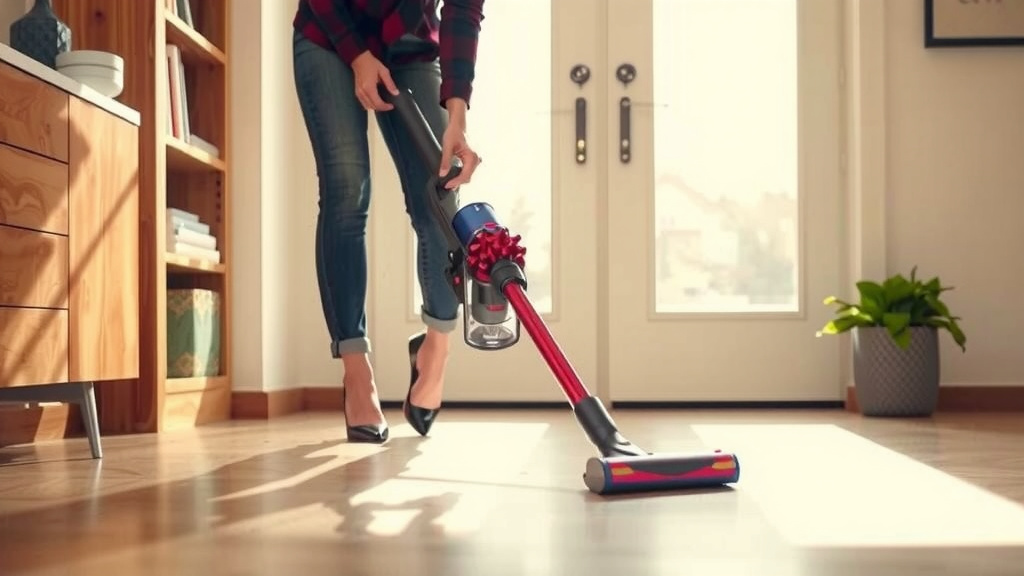
Efficient Cleaning Techniques for Pro Results
Now that you know your tools and how to maintain them, let’s talk technique. A few simple habits can make your cleaning sessions much more effective.
The Power Button vs. Trigger
Most Dyson cordless vacuums have a power button or a trigger. Some newer models have a button you press once to turn it on and again to turn it off. Older models often require you to hold down a trigger. Holding a trigger can be tiring for some. If your model has a button, use it! This conserves battery and your hand strength. We found that users who utilize the button control experience less fatigue.
Work in Sections and Overlap
Don’t just randomly wander around your rooms. Plan your cleaning. Start at one end of the room and work your way towards the exit. Overlap your strokes slightly. This ensures you don’t miss any spots. Think of it like mowing a lawn. You want to cover every inch.
Vacuum High-Traffic Areas More Frequently
Some areas of your home get more foot traffic. Entrances, hallways, and main living areas collect more dirt. We found that a quick pass over these areas daily or every other day makes a big difference. It prevents dirt from getting ground into your carpets or spread across hard floors.
Charge When You Can
Dyson cordless vacuums are designed for quick bursts of cleaning. They are not typically meant for whole-house cleaning on a single charge. If you have a larger home, consider cleaning in stages. Charge your vacuum between sessions. Most models have a docking station. Just hang it up when you’re done. This ensures it’s ready for the next time you need it. Research indicates that maintaining battery health involves avoiding deep discharges (Battery University).
Quick Cleaning Checklist:
- Empty the bin after every use.
- Rinse the filter weekly and dry completely.
- Check cleaner heads for tangled hair.
- Use the right attachment for the job.
- Store your Dyson on its charging dock.
By understanding your Dyson’s capabilities and giving it a little TLC, you’ll transform your cleaning routine. You’ll achieve a cleaner home with less effort. Happy cleaning!
Conclusion
You’re now equipped to use your Dyson cordless vacuum like a true cleaning pro! Remember, it’s all about knowing your attachments and keeping your machine well-maintained. Regularly emptying the bin, cleaning the filter, and switching heads for different floor types are simple steps that make a huge difference. These habits will ensure your Dyson always performs at its best, cutting down cleaning time and leaving your home remarkably clean. Your next step? Try using one new attachment this week you haven’t used before!
Frequently Asked Questions
How do I know which Dyson attachment to use?
Your Dyson comes with several tools designed for specific jobs. For instance, use the motorized tools for upholstery and pet hair. The crevice tool is perfect for tight spots like corners or between cushions. Always match the attachment to the surface for the most effective clean.
My Dyson seems to be losing suction. What should I do?
The most common reason for lost suction is a full bin. Empty it as soon as the dirt reaches the MAX line. Also, check that your filter is clean and completely dry. Blockages in the wand or cleaner head can also reduce airflow, so inspect those areas too.
How often should I clean my Dyson’s filter?
You should rinse your washable filter regularly, typically about once a month. Always let it air dry completely for at least 24 hours before putting it back. Check your specific Dyson model’s manual for exact recommendations based on your usage.
Can I use my Dyson cordless vacuum for whole-house cleaning?
Dyson cordless vacuums are fantastic for quick clean-ups and medium-sized homes. For larger homes, you might need to clean in stages. Charge your vacuum between sessions to ensure you always have enough power. Use the docking station to keep it ready.
How do I prevent hair from tangling on the brush bar?
While Dyson designs are meant to minimize hair wrap, long hair can still tangle. Detach the cleaner head and carefully use scissors to cut away any tangled hair or threads. Some cleaner heads allow you to remove the brush bar for easier cleaning.