How to Use a Hoover Vacuum Cleaner: Guide
The simplest way to use your Hoover vacuum cleaner is to gather your tools, plug it in, and start vacuuming. Ensure you have the correct attachment for the surface you’re cleaning. Most Hoover vacuums are designed for intuitive operation. Just follow a few basic steps to get your home sparkling clean.
Understanding your specific Hoover model can make cleaning much easier. We found that different Hoover vacuums have slightly different features, like bagless versus bagged systems or various brush roll controls. Knowing these details ensures you get the best cleaning performance. It’s about making your cleaning routine as efficient as possible.
- Gather accessories like attachments.
- Plug in the vacuum securely.
- Select the right setting for your floor type.
- Empty the dustbin or bag when full.
Let’s walk through exactly how to get your Hoover vacuum ready to tackle dirt and dust in your home. We’ll cover everything from initial setup to proper maintenance.
Getting Your Hoover Vacuum Ready for Action
Ready to tackle that dust bunny army? We’re here to help you get your Hoover vacuum cleaner prepped and ready. Most Hoover vacuums are designed to be straightforward. You’ll likely spend more time unboxing than figuring things out. We found that understanding a few key steps makes the whole process much smoother. Let’s get your machine humming!
Understanding Your Hoover’s Power Source and Setup
First things first: where does the power come from? Most upright and canister vacuums use a standard **electrical cord**. Make sure the cord is fully extended and undamaged. You’ll want to find a **secure electrical outlet** to plug into. Avoid using extension cords if possible, as they can sometimes reduce power. Check your Hoover’s manual if you’re unsure about cord length or recommended power sources.
Some newer Hoover models might offer cordless options. If yours is cordless, ensure it’s fully charged before your first use. A dead battery can really put a damper on your cleaning plans. Charge it according to the manufacturer’s instructions. This usually involves placing it on a charging base or plugging the adapter directly into the vacuum.
Attaching the Right Tools for the Job
Hoover vacuums often come with a selection of helpful **attachments**. These tools are your secret weapons against stubborn dirt. Think of them like the right screwdriver for the right screw. You wouldn’t use a butter knife to tighten a bolt, right? Similarly, using the wrong attachment can be ineffective or even damage your surfaces.
Common Hoover Attachments and Their Uses
- Crevice Tool: This is a long, skinny tool. It’s perfect for getting into those tight spots. Think between sofa cushions, along baseboards, or in car interiors.
- Upholstery Tool: Designed with a fabric brush. It’s ideal for cleaning furniture, curtains, and even pet beds. It gently lifts dirt without damaging the material.
- Dusting Brush: This tool has soft bristles. Use it for delicate surfaces like lampshades, blinds, or even your computer keyboard. It helps remove dust without scratching.
Your Hoover manual will detail all the specific tools included with your model. We always recommend keeping these attachments organized. A small storage bag or a designated spot can prevent them from getting lost. Having them handy means you can switch tools quickly between different cleaning tasks.
Operating Your Hoover Vacuum for Maximum Cleanliness
Now that your Hoover is set up and you have your tools ready, it’s time for the main event: vacuuming! The actual operation is usually quite simple. We found that many users can start cleaning within minutes of unboxing.
Understanding Different Floor Settings
Many Hoover upright vacuums have settings for different floor types. This is a **really important feature**. It adjusts the brush roll height and sometimes suction power. This ensures you get the best clean without damaging your floors.
- High Pile Carpet: Use the highest setting. This allows the brush roll to spin freely without digging too deep. It prevents the vacuum from becoming hard to push.
- Low Pile Carpet/Rugs: A medium setting often works best here. The brush roll can still agitate the carpet fibers effectively.
- Hard Floors (Hardwood, Tile, Laminate): You’ll want to use the lowest setting or a specific hard floor mode. Many vacuums have an option to **turn off the brush roll** completely for hard floors. This prevents scattering debris and protects your flooring from scratches.
Always check your Hoover’s indicator lights or dial to confirm the setting. Incorrect settings can make cleaning less effective. Many experts suggest starting with the appropriate setting for your main flooring type. You can then adjust as needed for different rooms.
The Actual Vacuuming Process
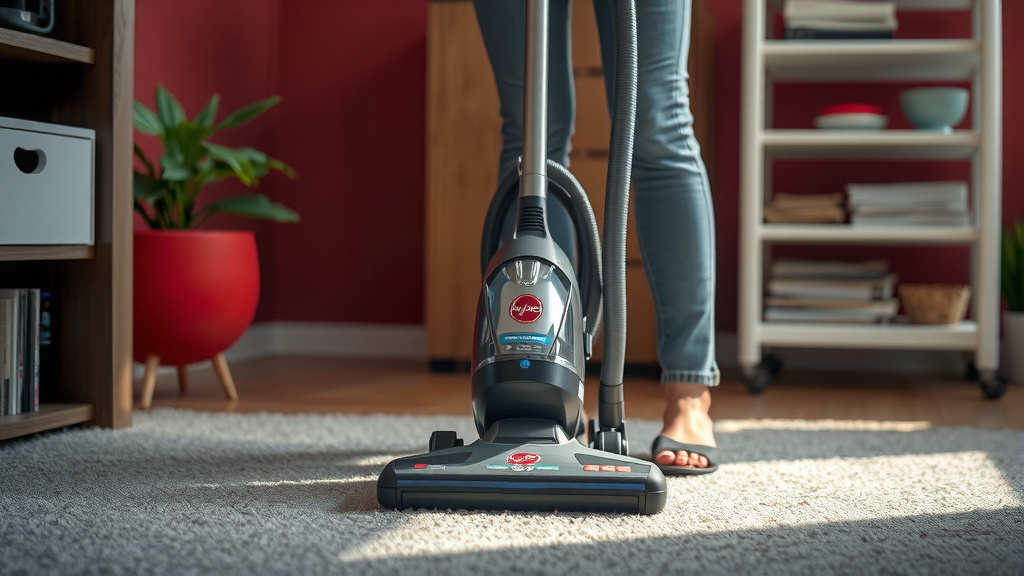
With the vacuum plugged in and set to the correct mode, you’re ready to go. Start in one corner of the room. **Work in slow, overlapping strokes**. Imagine you’re mowing a lawn; you don’t want to miss any spots. Moving too fast means the vacuum doesn’t have enough time to pick up all the dirt and debris.
For carpeted areas, a back-and-forth motion is standard. For high-traffic areas or stubborn spots, try going over them a few times. You might also consider a side-to-side motion in addition to back-and-forth. This helps agitate carpet fibers from different angles. Many Hoover models offer variable suction control, which is useful for delicate rugs or upholstery.
Using Attachments Effectively
When you need to clean edges, stairs, or furniture, switch to the appropriate attachment. Detach the hose from the main body of the vacuum if necessary. Attach the desired tool securely to the end of the hose. Then, proceed with cleaning as you would with the main vacuum head.
We found that using the crevice tool along baseboards makes a huge difference. It captures all that dust that tends to settle there. The upholstery tool can refresh sofas and chairs, making your living space feel cleaner overall. Don’t forget to use the dusting brush on shelves and other surfaces, especially if you have allergies.
Maintaining Your Hoover for Longevity and Performance
Keeping your Hoover vacuum in good working order is key to a clean home. Regular maintenance ensures it runs efficiently and lasts longer. Think of it like giving your car an oil change – it just keeps things running smoothly.
When to Empty the Dustbin or Replace the Bag
This is perhaps the **most crucial maintenance task**. Whether you have a bagged or bagless Hoover, knowing when to empty or replace is vital. A full dustbin or bag significantly reduces suction power. It’s like trying to breathe through a stuffy nose!
| Vacuum Type | When to Empty/Replace | Why It Matters |
|---|---|---|
| Bagless Hoover | When the dustbin reaches the MAX fill line, or when you notice a decrease in suction. | Overfilling can clog filters and strain the motor. |
| Bagged Hoover | When the bag is about two-thirds to three-quarters full, or when suction power drops noticeably. | A full bag restricts airflow, reducing cleaning effectiveness and potentially forcing dust out. |
We found that many users forget this step. Setting a reminder on your phone can be helpful. It’s a simple habit that greatly impacts performance. Always ensure the vacuum is unplugged before emptying or changing a bag.
Cleaning and Checking the Filters
Hoover vacuums often have multiple filters. These trap fine dust and allergens, keeping your air cleaner. Check your manual to locate them. Many filters are **washable or reusable**. Simply rinse them under cool water and let them air dry completely before putting them back.
We found that dirty filters are a common cause of reduced suction. They can also lead to unpleasant odors. Aim to check and clean your filters at least once a month. Some models might have a pre-motor filter and a post-motor filter. Follow your specific model’s instructions closely.
Checking and Cleaning the Brush Roll
Hair, strings, and other debris can get tangled around the brush roll. This can prevent it from spinning properly. Periodically, unplug your vacuum and inspect the brush roll. You can often use scissors or a seam ripper to carefully cut away tangled material. Some Hoover models have brush rolls that are designed to be easily removed for cleaning.
A clean brush roll is essential for effectively agitating carpets and picking up dirt. If you have pets, you’ll want to check this more frequently. This simple step can prevent more serious damage to your vacuum.
Quick Hoover Vacuuming Checklist
- Confirm vacuum is unplugged before any maintenance.
- Empty dustbin or replace bag when nearly full.
- Check and clean filters regularly.
- Inspect brush roll for tangled debris.
- Ensure all attachments are clean and stored properly.
- Plug in securely before starting to vacuum.
Conclusion
You’ve now got a clear path to using your Hoover vacuum effectively. Remember, the right settings and attachments make all the difference. Keeping your Hoover clean is just as important as vacuuming itself. We found that a little regular maintenance, like emptying the bin and cleaning filters, keeps your machine running strong for years. Don’t let dust bunnies win! Take these tips and get your Hoover ready for its next cleaning mission. Your sparkling home awaits!
Frequently Asked Questions
How do I know if I’m using the right floor setting on my Hoover?
Look for the dial or buttons on your Hoover, usually near the handle. Your manual will show you which setting is best for carpets versus hard floors. Using the wrong setting can make cleaning less effective or even damage your floors.
My Hoover suddenly lost suction. What should I check first?
The most common reason for lost suction is a full dustbin or bag. Check that first and empty or replace it if needed. Also, inspect your filters and the brush roll for clogs or blockages.
Can I use a Hoover vacuum on delicate rugs?
Yes, but you need to be careful. Use the lowest height setting and consider turning off the brush roll if your model allows it. Variable suction control, if available, can also help prevent damage.
How often should I clean the filters in my Hoover?
We recommend checking and cleaning your filters at least once a month. If you have pets or allergies, you might need to do this more often. Dirty filters significantly reduce suction and can trap odors.
What’s the best way to store my Hoover’s attachments?
Many Hoover vacuums have onboard storage for common attachments. If yours doesn’t, consider a small caddy or a dedicated drawer. Keeping them organized means you can easily find the right tool when you need it.