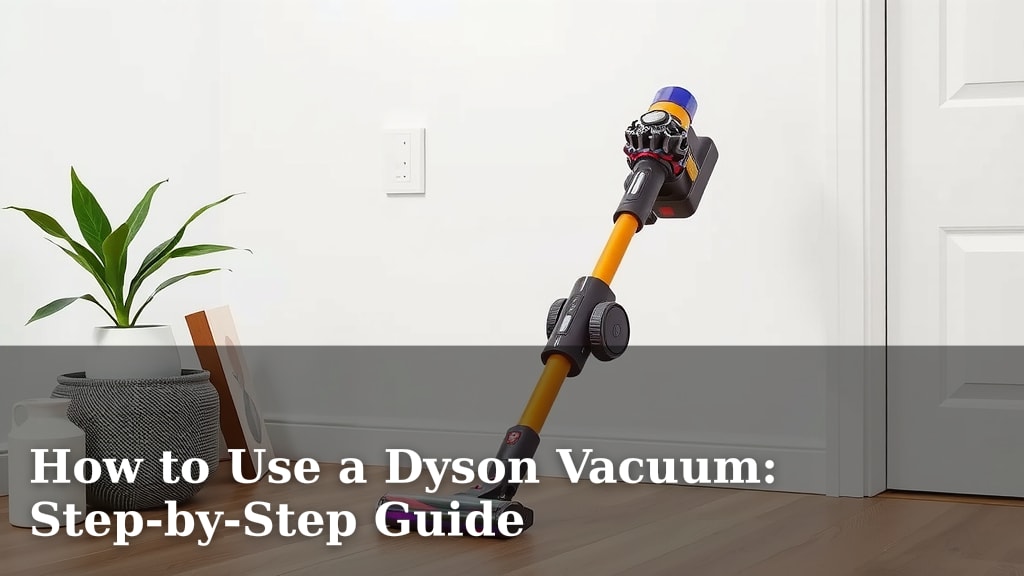
How to Use a Dyson Vacuum: Step-by-Step Guide
Using your Dyson vacuum is simpler than you might think. To get started, ensure the dustbin is empty and the filter is clean for optimal suction. Then, choose the right cleaner head for your floor type and press the power button to begin vacuuming.
Dyson vacuums are designed for efficiency and ease of use. We found that understanding the different attachments and power modes can dramatically improve your cleaning results. Many Dyson models also offer convenient features like cordless operation and hygienic bin emptying, making them a top choice for homes.
- Empty the bin before you start.
- Make sure the filter is clean.
- Select the correct tool for the job.
- Press the power button to begin.
Ready to get your Dyson working its magic? Let’s walk through exactly how to use your Dyson vacuum step by step.
Getting Started with Your Dyson Vacuum Cleaner
So, you’ve got your new Dyson, and you’re ready to make your home sparkle. That’s fantastic! Using your Dyson is designed to be straightforward. We’ve found that a few simple steps ensure you get the most power and efficiency from your machine right from the start. Let’s walk through how to get it ready for action.
Preparing Your Dyson for Use
Before you even think about plugging it in or pressing that power button, a quick check can make all the difference. You want your Dyson to perform at its best. Think of it like tuning up a car before a road trip. A little preparation means a smoother, more effective journey through your cleaning tasks.
Emptying the Dustbin
This might seem obvious, but it’s the most important first step. If the dustbin is already full, it can’t collect any new dirt. This severely impacts suction power. Many Dyson models have a clear bin, so you can easily see when it’s nearing capacity. We found that emptying it before each use is a habit worth developing. It ensures maximum airflow and prevents debris from getting trapped in the filter.
Checking and Cleaning the Filter
Your Dyson’s filter is its lungs, breathing in the air and trapping dust. If it’s clogged, your vacuum will struggle to breathe, and your suction will drop. Most Dyson vacuums have washable filters. You’ll usually find instructions in your manual, but generally, you just rinse them under cold water until the water runs clear. Let it dry completely – we mean bone dry – before putting it back. This can take 24 hours or more. A clean filter is key to that signature Dyson suction.
Choosing the Right Cleaner Head and Tool
Dyson vacuums often come with various attachments. These aren’t just for show; they’re designed for specific jobs and surfaces. Using the right one can transform your cleaning experience. It’s like using the right screwdriver for the right screw – it makes the job easier and more effective.
Understanding Your Cleaner Heads
You’ll typically have a main cleaner head for floors. Some models have a high-torque cleaner head with stiff nylon bristles that digs deep into carpets to capture dirt and hair. Others might have a soft roller cleaner head, perfect for hard floors like wood or tile, as it captures fine dust and larger debris simultaneously without scratching. Always check which one is best suited for the surface you’re about to tackle.
Selecting the Right Tools
Beyond the main cleaner head, you’ll likely find smaller tools. A crevice tool is perfect for reaching tight spaces, like between couch cushions or along baseboards. A combination tool often has a brush and wide nozzle, useful for dusting furniture or cleaning upholstery. For pet owners, a mini motorized tool is a lifesaver for removing pet hair from stairs and pet beds. Picking the correct tool means less effort for better results.
Operating Your Dyson Vacuum
Now that your Dyson is prepped and you’ve got the right attachments, it’s time to power it up. Dyson vacuums are known for their intuitive design. Let’s break down the actual process of vacuuming.
Powering On and Adjusting Suction
Most cordless Dysons have a trigger or a power button. Simply press it to start. Some models allow you to adjust the suction power. You’ll often see a ‘+’ and ‘-‘ button or a slider. For everyday cleaning on carpets, you might use a higher setting. For delicate rugs or hard floors, a lower setting might be more appropriate. We found that experimenting with these settings can help you conserve battery life while still getting a great clean. Always consult your specific model’s manual if you’re unsure about controls.
Vacuuming Techniques for Best Results
How you move the vacuum matters. Instead of just pushing it back and forth quickly, try a slower, more deliberate approach, especially on carpets. This allows the cleaner head to work its magic, digging into fibers and lifting embedded dirt. For stubborn spots, going over the area a couple of times can be very effective.
Carpet Cleaning Tips
On carpets, use the appropriate cleaner head – usually the one with the stiffer bristles. Move the vacuum slowly, allowing it to agitate the carpet fibers. If you have a lot of pet hair, try vacuuming in different directions (e.g., forward, backward, and side-to-side) over the affected area. We found this technique significantly improves hair removal.
Hard Floor Cleaning Tips
For hard floors, the soft roller cleaner head is often your best friend. It’s designed to pick up fine dust without scattering it. If you don’t have this specific head, ensure your main cleaner head has soft bristles or a felt strip to prevent scratching. A lower suction setting can also prevent smaller debris from being pushed around.
Using Attachments for Specific Areas
Once you’ve got the main floors done, it’s time to tackle the nooks and crannies. Switching to the crevice tool or combination tool is simple. Most Dyson models have an easy-release mechanism for swapping heads and tools. Just press the button or lever, pull off the current attachment, and click the new one into place. This makes it quick to transition from floor to furniture to ceiling corners.
Post-Cleaning Care for Your Dyson
Keeping your Dyson in top shape involves more than just using it. A little after-cleaning care will ensure it’s always ready for its next job and lasts for years to come.
Emptying the Dustbin After Use
Remember that initial step of emptying the bin? Do it again! It’s best practice to empty the bin after every cleaning session, especially if you’ve picked up a lot of dust or debris. This prevents odors from developing and keeps the airflow clear for your next use. Most Dyson bins are designed for hygienic, one-touch emptying. Simply point the bin over your trash and pull the lever.
Storing Your Dyson Properly
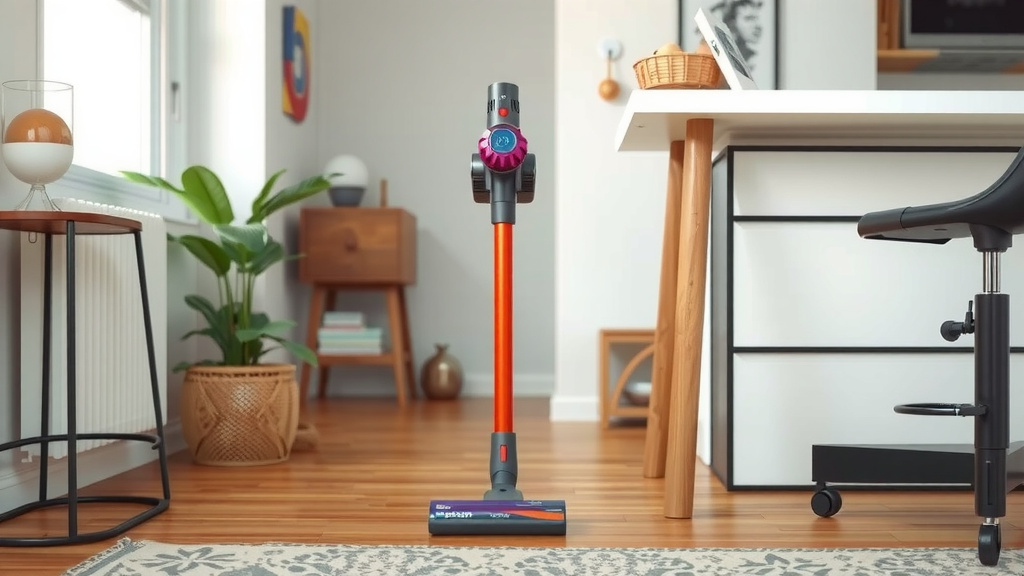
Most cordless Dysons come with a wall-mounted dock. This is the ideal place to store your vacuum. It keeps it charged and off the floor, preventing any accidental damage. Ensure it’s in a dry location away from extreme temperatures. If you don’t have a dock, find a safe, upright spot where it won’t tip over.
Here’s a quick checklist to remember:
- Empty the bin after every use.
- Rinse and dry filters regularly.
- Use the right cleaner head for your floor.
- Switch to tools for crevices and upholstery.
- Store your Dyson in its dock or an upright, safe place.
- Charge the battery fully between uses.
Conclusion
You’re now equipped to master your Dyson vacuum. We’ve walked through prepping your machine, choosing the right tools, and using effective techniques for every surface. Remember that a little preparation goes a long way for optimal suction. Keeping your Dyson clean and properly stored after use ensures it will continue to deliver excellent results. Ready to tackle those floors? Your next step is to put these simple steps into practice and enjoy a cleaner home with less effort.
Frequently Asked Questions
How often should I wash my Dyson’s filter?
We found that washing your Dyson’s filter monthly is a good general rule. If you vacuum frequently or have pets, you might need to rinse it more often. Always ensure the filter is completely dry before reinserting it to avoid damage.
Can I use my Dyson vacuum on very delicate rugs?
Yes, you can. For delicate rugs, use a lower suction setting and a cleaner head with softer bristles, or a specific hard floor tool if available. Avoid the high-torque cleaner head, which can be too aggressive.
What is the best way to remove pet hair from upholstery?
The mini motorized tool is your best friend for pet hair on upholstery. We recommend using it with a medium to high suction setting. Move it slowly over the fabric to lift stubborn hairs effectively.
My Dyson seems to have lost suction, what should I do?
The most common cause is a full dustbin or a clogged filter. Check and empty the bin first. Then, remove and rinse the filter, letting it dry completely. Also, check the wand and cleaner head for any blockages.
How long does a Dyson battery typically last on a full charge?
Battery life varies by model and power setting. Many cordless Dysons offer around 40-60 minutes of use on a standard setting. Using boost mode or motorized tools will reduce this time. We suggest charging it after each cleaning session.