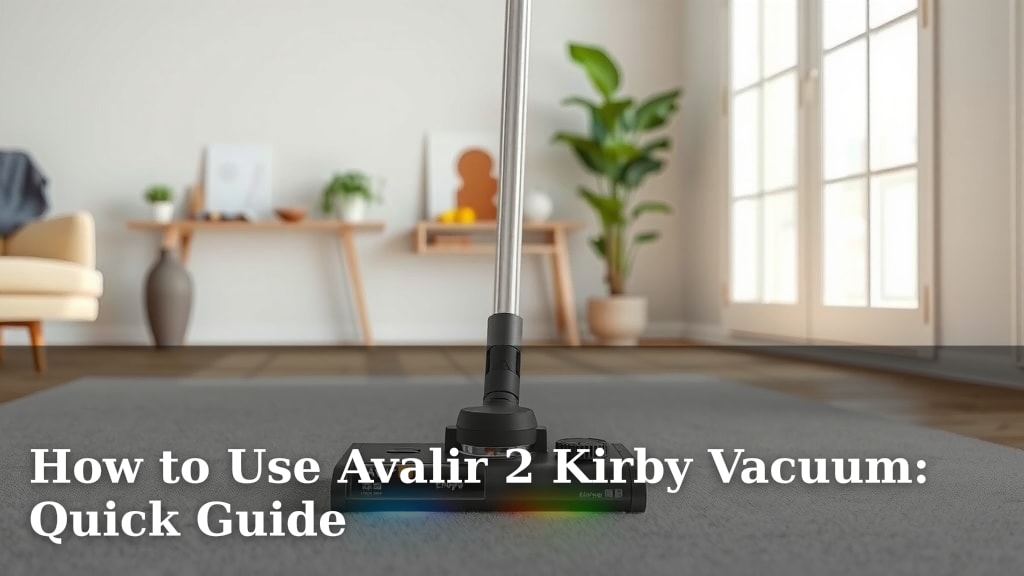
How to Use Avalir 2 Kirby Vacuum: Quick Guide
Using your Avalir 2 Kirby vacuum is surprisingly straightforward once you know the basics. To get started, simply attach the desired cleaning tool and select the correct setting for your surface. We found that understanding a few key features makes a big difference in how you clean.
Your Avalir 2 is designed for versatile cleaning across different floor types and above-floor tasks. From deep carpet cleaning to dusting delicate surfaces, knowing how to operate it efficiently saves you time and effort. We’ll cover how to make the most of its capabilities.
- Attach the correct cleaning tool.
- Select the appropriate surface setting.
- Understand the different functions.
- Maintain your vacuum for peak performance.
Let’s walk through exactly how to use your Avalir 2 Kirby vacuum for the best results, step by step.
Getting Started with Your Avalir 2 Kirby Vacuum
So, you’ve got your Avalir 2 Kirby, and you’re ready to make your home sparkle! That’s fantastic. Using this powerful machine is simpler than it might seem. We’ve broken down the process to get you cleaning effectively in no time.
Understanding the Basic Setup
The first step is to get your Avalir 2 ready for action. You’ll want to attach the correct hose or wand for the job. Think of it like picking the right tool for a DIY project. Your Kirby comes with various attachments for different cleaning tasks. Attaching them is usually a straightforward click or slide mechanism.
For most floor cleaning, you’ll likely be using the main unit directly on the floor. If you need to clean above-floor areas, like upholstery or curtains, you’ll attach a hose and wand. We found that consulting the manual for specific attachment instructions is always a good idea. It ensures you’re using the right piece for the right job.
Selecting the Right Surface Setting
One of the most important features of your Avalir 2 is its adjustable settings. This lets you customize the cleaning power for different surfaces. For instance, carpet needs a different approach than a hardwood floor. Getting this setting right protects your floors and makes cleaning more effective.
Carpet Height Adjustment
When cleaning carpets, you’ll notice a dial or lever that adjusts the brush roll height. This is crucial for optimal carpet cleaning. You want the brush roll to agitate the carpet fibers without damaging them. A good rule of thumb? The machine should feel like it’s pulling itself forward slightly on the carpet. This indicates the height is set correctly.
If it feels too heavy and drags, the height is likely too low. If it feels like it’s barely touching the carpet and is too easy to push, the height is probably too high. We found that taking a moment to adjust this can make a huge difference in how clean your carpets get. Many cleaning experts agree that proper height adjustment is key to carpet longevity and appearance (Carpet and Rug Institute).
Hard Floor Settings
For hard floors like tile, laminate, or wood, you’ll want to ensure the brush roll isn’t digging in. Some models have a specific setting or you might need to lift the unit slightly. This prevents scratching and ensures the vacuum glides smoothly. Always check your manual for the best setting for your specific hard flooring type.
Mastering the Avalir 2’s Cleaning Functions
Your Avalir 2 isn’t just for floors. It’s a versatile cleaning system. Let’s look at how to use its different modes and attachments for a truly clean home.
Using Attachments for Above-Floor Cleaning
When you need to tackle dust bunnies on shelves, clean upholstery, or reach those tricky corners, the hose and wand attachments come into play. You’ll connect the hose to the main unit and then attach the appropriate tool to the wand.
Common attachments include:
- Crevice tool: Perfect for tight spaces like between couch cushions or along baseboards.
- Upholstery tool: Designed to gently clean fabric furniture.
- Dusting brush: Features soft bristles for delicate surfaces like lampshades or electronics.
We found that having these tools readily accessible makes quick work of dusting and spot cleaning. It turns your vacuum from a floor cleaner into a whole-home cleaning solution. This versatility is why many people love their Kirby vacuums.
The Power of the Air Intake and Blower
Did you know your Kirby can do more than just vacuum? Some models have an air intake that can be converted for blowing. While not its primary function, this can be useful for tasks like clearing out a garage or workshop. You would attach a specific nozzle to direct the airflow. It’s an unexpected feature that can come in handy!
Understanding the Fill-Empty Indicator
Keeping an eye on the fill-empty indicator is essential. This lets you know when the dirt capacity is getting full. Waiting too long can reduce suction power. When it’s full, it’s time to empty the bag. It’s a simple indicator that helps maintain optimal performance.
Essential Maintenance for Peak Performance
To ensure your Avalir 2 keeps running smoothly for years to come, a little regular maintenance goes a long way. These simple steps will keep your vacuum working at its best.
Emptying the Dirt Bag
As mentioned, emptying the dirt bag is critical. When the fill-empty indicator shows it’s full, or if you notice a decrease in suction, it’s time for a change. Consult your manual for the exact procedure, as it usually involves releasing latches and carefully removing the bag. We recommend emptying it after each significant cleaning session or when it’s about two-thirds full to maintain maximum airflow.
Cleaning and Replacing the Brush Roll
The brush roll is the workhorse for carpet cleaning. Over time, hair, string, and debris can get tangled around it. Periodically check the brush roll and carefully trim away any entanglements. If the bristles appear worn down or damaged, it might be time for a replacement.
A worn brush roll won’t agitate carpet fibers effectively. This means deeper dirt and allergens won’t be picked up. Experts suggest that brush roll condition directly impacts cleaning efficiency (International Society of Hair and Scalp Professionals – for analogy on hair tangling, though specific to hair). Replacing a worn brush roll can feel like getting a whole new vacuum!
Checking the Belt
The belt connects the motor to the brush roll, making it spin. If the belt breaks or stretches, the brush roll won’t turn. Many guides suggest checking the belt for wear and tear periodically. If it looks cracked, frayed, or loose, it’s time to replace it. A simple inspection can save you from a non-working vacuum.
Belt Replacement Steps
Replacing the belt is usually a simple process:
- Disconnect the vacuum from power.
- Access the belt housing (refer to your manual for location).
- Remove the old belt.
- Install the new belt, ensuring it’s correctly positioned.
- Reassemble the housing.
We found that keeping a spare belt on hand can prevent extended downtime if yours suddenly snaps.
Quick Maintenance Checklist
Here’s a simple checklist to keep your Avalir 2 in top shape:
- Empty the dirt bag regularly.
- Check the brush roll for tangled debris.
- Inspect the brush roll bristles for wear.
- Examine the drive belt for damage.
- Wipe down the exterior with a damp cloth.
- Store your vacuum in a dry place.
Conclusion
You’re now equipped to use your Avalir 2 Kirby vacuum with confidence! We’ve covered the essentials, from setting up for different surfaces to utilizing its versatile attachments. Remember that a little regular maintenance, like emptying the bag and checking the brush roll, keeps your vacuum performing at its best. Don’t forget to consult your manual for specific details.
Your next step? Try out a new attachment or make sure your carpet height is perfectly adjusted for your next cleaning session. You’ll be amazed at the difference!
Frequently Asked Questions
How do I know when to empty the dirt bag on my Avalir 2?
Your Avalir 2 has a fill-empty indicator that shows when the bag is getting full. We also recommend emptying it if you notice a decrease in suction power. Aim to empty it when it’s about two-thirds full for optimal performance.
Can I use my Avalir 2 on delicate hardwood floors?
Yes, you can! For hard floors, make sure you select the correct setting to avoid scratching. You may need to adjust the brush roll height or lift the unit slightly. Always refer to your manual for the best setting for your specific flooring type.
What’s the best way to clean tangled hair from the brush roll?
It’s best to carefully trim away tangled hair and debris with scissors. Periodically checking and cleaning the brush roll helps it agitate carpet fibers effectively. If the bristles look worn, it might be time for a replacement.
How often should I check the belt on my Kirby vacuum?
We suggest checking the belt for signs of wear, like cracks or fraying, every few months. If it looks loose, damaged, or you notice the brush roll isn’t spinning properly, it’s time for a replacement to keep your vacuum working correctly.
Are there special tools for cleaning stairs with my Avalir 2?
Yes, your Avalir 2 likely came with attachments like a hose and wand, which are perfect for stairs. You can use tools like the crevice tool for edges and the upholstery tool for the treads. These make cleaning staircases much easier!